In today’s fast-paced digital world, it’s easy to overlook the physical documents piling up in our home offices. But here’s a secret from my 15 years in the paper shredder industry: those seemingly innocent stacks of paper can be goldmines for identity thieves and data fraudsters. That’s why a reliable Home Office Paper Shredder isn’t just a convenience; it’s a critical component of your personal and professional security strategy. At Mrouk.com, we understand the nuances of document destruction, and I’m here to guide you through everything you need to know, from choosing the right machine to keeping it running smoothly for years.
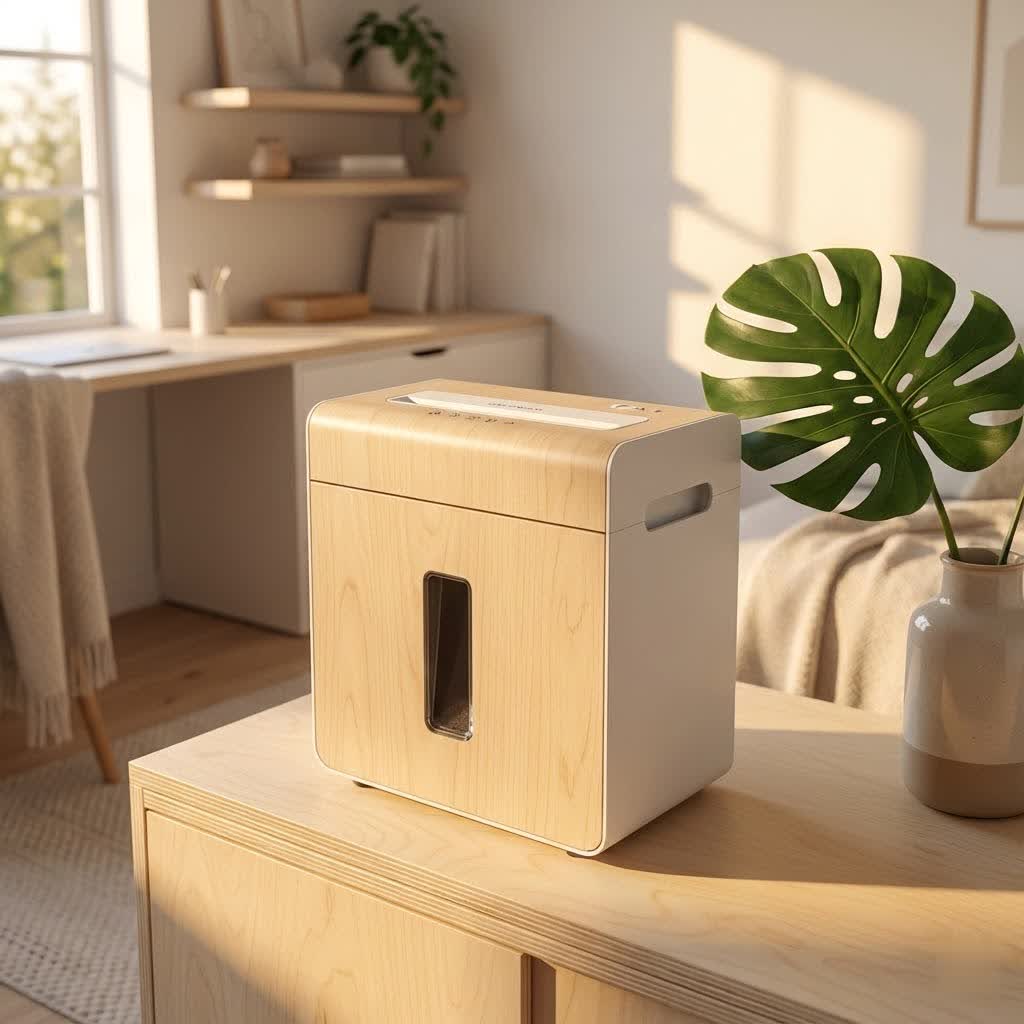
Why a Home Office Paper Shredder Isn’t Just “Nice to Have” Anymore
Think about it: bank statements, utility bills, old tax returns, client invoices, medical records, even junk mail with your name and address. All of these contain sensitive information that, if it falls into the wrong hands, can lead to serious headaches. Protecting your privacy and maintaining the confidentiality of your work isn’t just a corporate concern; it’s a home office imperative.
A paper shredder helps you:
- Protect Your Privacy: By rendering personal and financial documents unreadable, you drastically reduce the risk of identity theft. Shredding is your first line of defense against criminals looking to exploit your information.
- Declutter Your Workspace: Beyond security, a shredder helps you manage physical clutter. Instead of hoarding old documents, you can safely dispose of them, creating a more organized and stress-free environment.
- Comply with Data Protection: Even in a home office setting, if you handle client data, you have a responsibility to protect it. A shredder ensures you meet privacy standards for physical documents.
Understanding the Different Cut Types: What’s Your Security Sweet Spot?
Not all shredders are created equal. The way a shredder cuts paper directly impacts its security level. Understanding these differences is key to choosing the right machine for your needs. Paper shredders are typically classified by their “cut type,” which also corresponds to international security standards (DIN P-X levels).
Strip-Cut Shredders: The Basics
Imagine cutting a sheet of paper into long, narrow ribbons. That’s a strip-cut shredder.
- How they work: These machines cut paper into long strips, usually along the length of the document.
- Security Level (DIN P-1, P-2): This is the lowest security level. While it makes documents harder to read at a glance, the strips can potentially be reassembled with enough effort.
- Pros: Generally the fastest and most affordable shredders, often with higher sheet capacities.
- Cons: Least secure, bulkiest waste (fills bins faster).
- Best for: Non-confidential documents like junk mail (without sensitive info) or general household paper that doesn’t pose a significant security risk.
|
Our Picks for the Best Paper Shredder in 2026
As an Amazon Associate I earn from qualifying purchases.
|
||
| Num | Product | Action |
|---|---|---|
| 1 | Amazon Basics 8-Sheet Cross Cut Paper Shredder and Credit Card Shredder - Black |

|
| 2 | Amazon Basics Paper Shredder for Home and Office, 8-Sheet Strip Cut, CD/ Credit Card Shredder, 3.4 Gallon Wastebasket , Black |
|
| 3 | Woolsche 12-Sheet Cross Cut Paper Shredder with Large 5.55-Gallon Basket - P-4 Security, 3-Mode Shred for Cards/CDs/Staples/Clips - Jam Proof System for Office (ETL Certified) |
|
| 4 | Suntiko Small Paper Shredder for Home, 6 Sheet Strip Cut Paper Shredder Without Basket,Portable Shredder Extendable Arm Design with Overheat Protection for Home Office |
|
| 5 | Amazon Basics Cross Cut Paper and Credit Card Shredder for Security - 8-Sheet, Heavy Duty, White |
|
| 6 | Amazon Basics Cross Cut Paper and Credit Card Shredder, 12 Sheet (New Model), Black |
|
| 7 | Amazon Basics 200-Sheet Auto Feed Cross Cut Paper Shredder with Pullout Basket, Black |
|
| 8 | Amazon Basics 6 Sheet Cross Cut Paper and Credit Card Home Office Shredder with 3.8 Gallon Bin, Black |
|
| 9 | Amazon Basics 8-Sheet Strip Cut Paper, CD, and Credit Card Shredder with Auto-Off Compact, Portable Design, No Basket, Extendable Arm, Black |
|
| 10 | Fellowes 14C10 14-Sheet Cross-Cut Home Office Paper Shredder |
|
Cross-Cut Shredders: A Step Up in Security
Moving into better protection, cross-cut shredders slice paper both horizontally and vertically.
- How they work: They cut documents into small rectangular or diamond-shaped pieces.
- Security Level (DIN P-3, P-4): Significantly more secure than strip-cut, making reconstruction much more difficult. P-4 is often recommended as a minimum for sensitive personal data.
- Pros: Good balance of speed, security, and affordability. Produces less bulky waste than strip-cut.
- Cons: Can be slower than strip-cut, and pieces, though small, are still uniform enough that a determined individual could theoretically reassemble them.
- Best for: Most home office needs, including bank statements, utility bills, and general confidential documents.
Micro-Cut Shredders: The Ultimate Defense
For maximum security, micro-cut shredders are the gold standard.
- How they work: These machines turn your documents into tiny, confetti-like particles, often diamond or irregular shapes, making them virtually impossible to reassemble. One A4 sheet can become thousands of particles.
- Security Level (DIN P-5, P-6, P-7): Offers the highest level of data protection. P-5 is ideal for highly sensitive personal and business documents, while P-6 and P-7 are typically for government or military classified documents.
- Pros: Superior security, ideal for extremely sensitive information, and produces very compact waste, meaning fewer trips to the bin.
- Cons: Generally more expensive, slower shredding speed, and typically have lower sheet capacities.
- Best for: Tax documents, medical records, legal documents, financial statements, and any information where absolute security is paramount.
“When it comes to your home office, never underestimate the value of a micro-cut shredder. In today’s threat landscape, ensuring your shredded documents are truly unrecoverable is the smartest investment you can make in your digital peace of mind.” – Dr. Anya Sharma, Digital Security Analyst at Mrouk Labs.
Choosing Your Perfect Partner: Key Factors for Your Home Office
Picking the right shredder involves more than just looking at the price tag. Here are the crucial factors I advise all my Mrouk.com readers to consider:
Security Level (DIN P-X)
As discussed, this is paramount. For most home office users, a P-4 or P-5 cross-cut or micro-cut shredder provides an excellent balance of security for sensitive personal and confidential data. If you’re dealing with anything more critical, lean towards P-5 or higher.
Sheet Capacity
How many sheets can your shredder handle in a single pass?
- Home Use: Typically 6-12 sheets. If you shred occasionally, a lower capacity is fine.
- Heavy Home Office Use: Look for 12-20 sheets if you process documents more frequently or in larger batches. Overloading is a common cause of jams, so be realistic about your needs.
Bin Capacity
This refers to the size of the wastebasket.
- Home Office: A 1-5 gallon bin is standard.
- Higher Volume: Consider 5-10 gallons or more to reduce how often you need to empty it. Micro-cut shredders produce smaller particles, meaning their bins fill up slower than strip-cut ones. Look for pull-out bins for easier, mess-free emptying.
Run Time & Cool-down
Shredders have a “duty cycle,” which is how long they can run continuously before needing to cool down.
- Occasional Use: A shredder with a 5-10 minute run time and a 20-30 minute cool-down might suffice.
- Frequent or Batch Shredding: If you anticipate shredding large piles, look for longer run times (15-30 minutes or even “continuous duty” for commercial-grade models) to avoid frustrating interruptions.
Noise Level
A shredder can be surprisingly loud, which might be disruptive in a quiet home office or shared living space. Many manufacturers now offer “quiet operation” or “SilentShred” technologies. Check decibel ratings (dB) if noise is a concern; lower is better.
Special Features
Modern shredders offer a host of features designed for convenience and safety:
- Jam-Proof Technology: This is a game-changer. Many shredders now have systems to prevent jams or automatically clear them by reversing.
- Auto-Feed: For truly large batches, an auto-feed shredder allows you to load a stack of paper into a tray and walk away while it shreds. Perfect for a deep clean of old documents.
- Shredding Non-Paper Items: Many home office shredders can handle staples, paper clips, credit cards, and even CDs/DVDs. This is incredibly useful for comprehensive data destruction.
- Safety Features: Especially important if children or pets are in the home. Look for features like SafeSense technology (stops when hands are too close) or safety locks.
- Energy Efficiency: Some models include energy-saving systems that reduce power consumption.
Mastering Your Machine: Usage and Maintenance Tips for Longevity
Even the best home office paper shredder needs a little love to perform optimally and last for years. Here are my top maintenance tips:
- Don’t Overload It: This is the golden rule! Always adhere to the manufacturer’s maximum sheet capacity. Trying to force too many sheets through is the quickest way to cause a jam and strain the motor. Divide large stacks into smaller batches.
- Oil Regularly: Lubrication is vital for the cutting blades. Use shredder oil (never WD-40, vegetable oil, or other alternatives, as they can gum up the mechanism). I recommend oiling your shredder every time you empty the waste bin, or at least once a month with regular use. Simply apply a few drops across the paper entry, run a sheet of paper through, and then run it in reverse for a few seconds. Lubricant sheets are also a clean and easy option.
- Empty the Bin Promptly: A full bin can not only cause jams but also lead to motor overheating as shredded paper backs up into the cutting mechanism. Make it a habit to empty it before it’s completely full.
- Clean the Blades & Sensors: Over time, paper dust can accumulate on the blades and within the sensors, affecting performance. Unplug the shredder, then use a soft brush or compressed air to gently clear away any debris. Be cautious around the blades!
- Run in Reverse Occasionally: After a shredding session, running the shredder in reverse for a few seconds can help dislodge any small paper fragments that might be clinging to the blades, preventing future clogs.
- Proper Placement: Place your shredder on a stable, flat surface away from walls to ensure proper air circulation and prevent vibration noise. Avoid direct sunlight or humid environments.
When Things Go Wrong: Common Shredder Problems & Quick Fixes
Even with the best care, shredders can occasionally act up. Here are some common issues and how to troubleshoot them:
- The Shredder Won’t Turn On:
- Quick Fix: First, ensure it’s securely plugged into a working outlet. Check if the shredder head is seated properly on the bin – many have safety interlocks. If it recently stopped after heavy use, it might be overheated and need a cool-down period (usually 20-30 minutes).
- Frequent Paper Jams:
- Quick Fix: This is often due to overloading. Press the reverse button to try and clear the jam. If that doesn’t work, unplug the unit, carefully remove the shredder head, and manually remove jammed paper with tweezers (never your fingers!). Regularly oiling the blades can also significantly reduce jams.
- Unexpected Stops (Overheating):
- Quick Fix: Your shredder has an internal thermal protector. If it stops mid-job, it’s likely overheated. Unplug it and let it cool down for its recommended duty cycle break. Break up large shredding tasks into smaller sessions to prevent this.
- Unusual Noises:
- Quick Fix: If your shredder starts making grinding, squealing, or excessively loud noises, it often needs lubrication. Apply shredder oil as described above. Sometimes, small debris caught in the mechanism can also cause noise; try clearing the blades.
- Shredder Not Feeding Paper (but motor runs):
- Quick Fix: Check for any visible obstructions in the paper entry slot. If the cutting mechanism isn’t rotating, it could indicate stripped gears, which may require professional servicing or replacement. Sometimes, dirty sensors can also prevent paper detection.
Frequently Asked Questions
How often should I oil my home office shredder?
It’s generally recommended to oil your shredder every time you empty the waste bin, or at least once a month if you use it regularly. Use only specific shredder oil or lubricant sheets to keep the blades in optimal condition.
Can I shred credit cards and CDs in any home office shredder?
No, not all shredders are designed to handle credit cards or CDs. Always check your shredder’s specifications or manual. Many modern cross-cut and micro-cut shredders do offer dedicated slots for media destruction.
What’s the best security level for typical home office documents?
For most home office documents containing sensitive personal or financial information (like bank statements, utility bills, or tax documents), a DIN P-4 or P-5 security level (cross-cut or micro-cut) is highly recommended. This provides a strong level of protection against identity theft.
How can I prevent paper jams in my shredder?
Preventing paper jams primarily involves not overloading the shredder beyond its sheet capacity, avoiding shredding items it’s not designed for (like thick cardboard or sticky labels), and regular lubrication of the blades with shredder oil.
What does “duty cycle” mean for a home office shredder?
The “duty cycle” refers to how long a shredder can operate continuously before its motor needs to cool down. For home office shredders, this can range from a few minutes to 30 minutes or more. Understanding your shredder’s duty cycle helps prevent overheating and extends its lifespan.
Protecting your personal and professional information at home starts with making smart choices about how you dispose of sensitive documents. A well-chosen and properly maintained home office paper shredder is an invaluable asset in this endeavor. At Mrouk.com, we’re dedicated to empowering you with the knowledge to safeguard your data. So, take control of your document security today – your peace of mind is worth it!
