Dealing with stacks of confidential documents can feel like a never-ending chore, turning a simple task into a time-consuming battle against paper piles. That’s where the trusty paper shredder with auto feed steps in, transforming your shredding experience from a manual slog to a hands-off operation. As an expert with over 15 years in the field and content creator for Mrouk.com, I’ve seen firsthand how this innovation has revolutionized document security for homes and businesses alike. Let’s dive into everything you need to know about these fantastic machines.
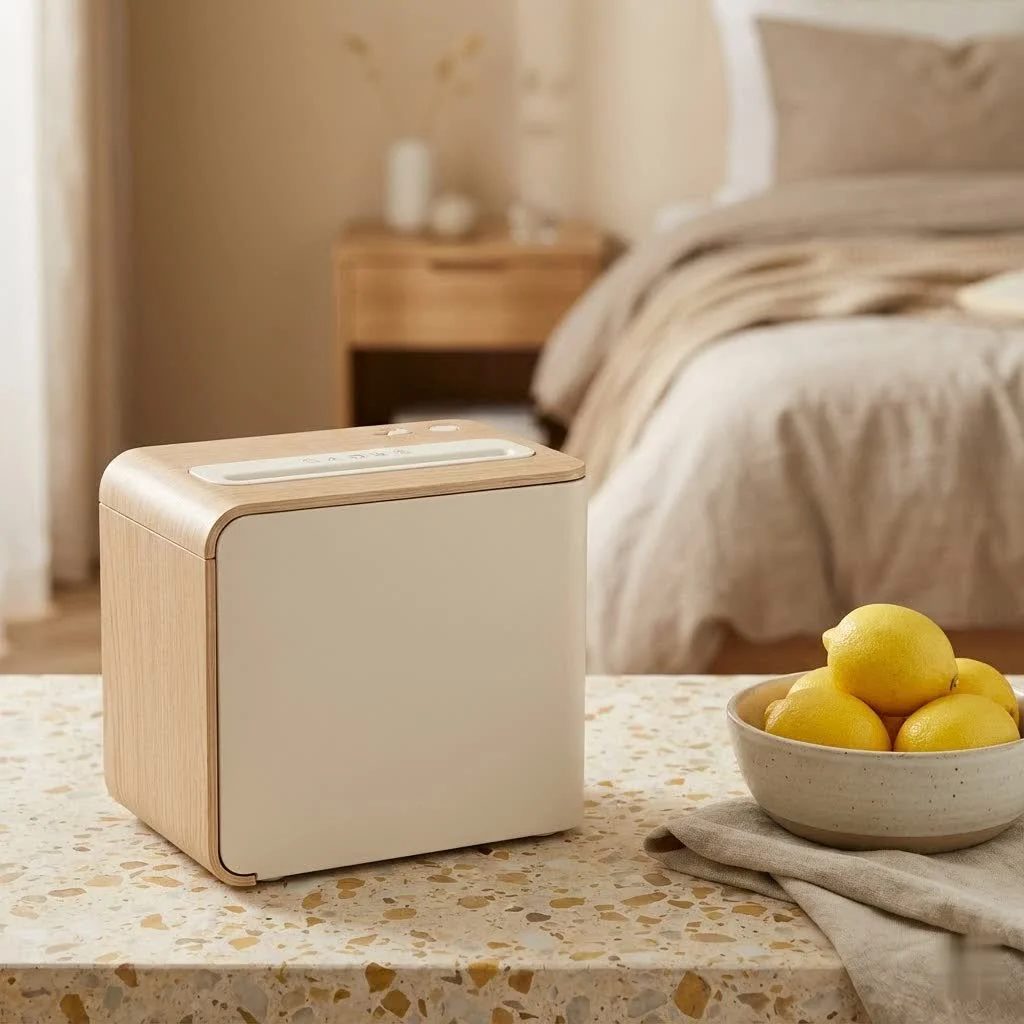
What is an Auto-Feed Paper Shredder, Anyway?
Imagine loading a printer, but instead of printing, it effortlessly devours your documents, turning them into tiny, unreadable fragments. That’s essentially an auto-feed paper shredder. Unlike traditional manual shredders that demand you feed sheets one by one, an auto-feed model features a special hopper or tray where you can load a stack of paper, close the lid, and walk away. The machine then automatically pulls and shreds each sheet, freeing you up to tackle other tasks.
How Does the Magic Happen?
Most auto-feed paper shredders use a friction-feed system, much like your everyday printer. Rubber rollers grip the top sheet from the loaded stack and guide it into the cutting mechanism. This process repeats until the entire stack is shredded. It’s a brilliant piece of engineering designed for maximum convenience and efficiency.
The Undeniable Benefits of an Auto-Feed Paper Shredder
Why should you consider upgrading to an auto-feed model? The advantages are clear and impactful, especially if you regularly deal with a significant volume of documents.
Time-Saving and Productivity Boosting
This is the big one. Instead of standing over your shredder, feeding individual sheets for minutes on end, you simply load the stack and go. This “stack-and-walk-away” functionality means you can focus on more important work, making your shredding process incredibly efficient.
Handling Bulk with Ease
Auto-feed shredders are built for volume. With capacities ranging from 50 to hundreds of sheets in a single load, they are perfect for clearing out accumulated paperwork, whether it’s tax documents at home or client files in the office. No more procrastination due, to the daunting task of shredding.
Enhanced Security for Sensitive Information
Many auto-feed paper shredders come equipped with cross-cut or micro-cut capabilities, offering superior security compared to basic strip-cut models. This means your confidential documents are shredded into smaller, harder-to-reconstruct particles, significantly reducing the risk of data breaches.
What level of security should you aim for?
- P-4 (Cross-Cut): Good for general business and personal documents.
- P-5 (Micro-Cut): Ideal for highly sensitive information like financial records or medical data.
- P-6/P-7 (High Security): Reserved for government agencies and ultra-confidential materials.
User-Friendly Features
|
Our Picks for the Best Paper Shredder in 2026
As an Amazon Associate I earn from qualifying purchases.
|
||
| Num | Product | Action |
|---|---|---|
| 1 | Amazon Basics 8-Sheet Strip Cut Paper, CD, and Credit Card Shredder with Auto-Off Compact, Portable Design, No Basket, Extendable Arm, Black |

|
| 2 | Amazon Basics Cross Cut Paper and Credit Card Shredder, 12 Sheet (New Model), Black |
|
| 3 | Suntiko Small Paper Shredder for Home, 6 Sheet Strip Cut Paper Shredder Without Basket,Portable Shredder Extendable Arm Design with Overheat Protection for Home Office |
|
| 4 | Amazon Basics Cross Cut Paper and Credit Card Shredder for Security - 8-Sheet, Heavy Duty, White |
|
| 5 | Amazon Basics 6 Sheet Cross Cut Paper and Credit Card Home Office Shredder with 3.8 Gallon Bin, Black |
|
| 6 | Amazon Basics 8-Sheet Cross Cut Paper Shredder and Credit Card Shredder - Black |
|
| 7 | Woolsche 12-Sheet Cross Cut Paper Shredder with Large 5.55-Gallon Basket - P-4 Security, 3-Mode Shred for Cards/CDs/Staples/Clips - Jam Proof System for Office (ETL Certified) |
|
| 8 | Fellowes 14C10 14-Sheet Cross-Cut Home Office Paper Shredder |
|
| 9 | Amazon Basics 200-Sheet Auto Feed Cross Cut Paper Shredder with Pullout Basket, Black |
|
| 10 | Amazon Basics Paper Shredder for Home and Office, 8-Sheet Strip Cut, CD/ Credit Card Shredder, 3.4 Gallon Wastebasket , Black |
|
Modern auto-feed shredders often boast a suite of intelligent features, including automatic start/stop functions, jam prevention technology, and even self-locking mechanisms. These additions make the shredding experience seamless and safe for everyone, regardless of their technical know-how.
Choosing the Right Auto-Feed Paper Shredder for Your Needs
Selecting the perfect paper shredder with auto feed can seem daunting with so many options available. Here’s a breakdown of key features to help you make an informed decision.
Auto-Feed Sheet Capacity
Consider how much paper you typically shred in one go. Capacities can range from a modest 50 sheets for home use to over 600 sheets for heavy-duty office environments. A higher capacity means less interaction and more time saved.
Security Level (Shred Type)
As discussed, security is paramount. For most users, a cross-cut (P-4) or micro-cut (P-5) shredder is highly recommended. Micro-cut offers the best protection, reducing documents to confetti-like pieces that are virtually impossible to reassemble.
Continuous Run Time and Cool-Down Periods
Every shredder has a limit to how long it can run continuously before needing a break to cool down. If you have large shredding projects, look for models with longer run times (e.g., 30-60 minutes or continuous duty) and shorter cool-down periods to maximize efficiency.
Waste Bin Capacity
A larger waste bin means fewer trips to empty it. Bins are typically measured in gallons or liters. For an auto-feed shredder, a 6-gallon (22-liter) bin or larger is generally a good starting point, especially with micro-cut machines that create smaller particles, thus filling the bin slower.
Jam Protection Technology
While auto-feed shredders are designed for convenience, jams can still occur, especially with staples or crumpled paper. Features like “auto-reverse” or “anti-jam” technology are invaluable, as they detect potential jams and automatically reverse the cutters to clear them, saving you frustration.
Manual Feed Slot Capability
Even with an auto-feed tray, a manual feed slot is incredibly useful. This allows you to shred odd-sized documents, glossy paper, credit cards, CDs, or a few stapled sheets without needing to open the main auto-feed mechanism.
Noise Level
Nobody wants a shredder that sounds like a jet engine. Look for models with lower decibel (dB) ratings, especially if you’ll be using it in a shared office space or near active workstations. Many modern auto-feed shredders are surprisingly quiet.
Using and Maintaining Your Auto-Feed Paper Shredder
To ensure your paper shredder with auto feed remains a reliable workhorse, proper usage and routine maintenance are essential.
Smart Usage Tips
- Remove excessive staples and paper clips: While many auto-feed shredders can handle a few, removing large clips or multiple staples can prevent jams and extend blade life.
- Don’t overload the auto-feed tray: Always stick to the manufacturer’s recommended sheet capacity. Overloading is a sure way to cause a jam and stress the motor.
- Flatten crumpled paper: Auto-feed mechanisms work best with flat, unfolded sheets.
- Utilize the manual slot for non-paper items: Credit cards, CDs, and thick envelopes should go through the dedicated manual feed slot if your model has one.
- Empty the bin regularly: Don’t wait until the bin is overflowing. A full bin can cause paper to back up and jam the cutters, or trigger a “bin full” sensor.
Essential Maintenance for Longevity
“Think of your auto-feed shredder like a high-performance vehicle,” advises Eleanor Vance, Senior Data Security Analyst. “Regular maintenance isn’t just a suggestion; it’s critical for sustained optimal performance and security.”
- Oil Your Shredder Regularly: This is perhaps the most crucial maintenance step. Oiling the blades reduces friction, keeps them sharp, and prevents paper dust buildup. Use only manufacturer-recommended shredder oil or lubricant sheets. A good rule of thumb is to oil your shredder every time you empty the waste bin, especially for micro-cut models.
- How to oil: For oil sheets, simply run one through the manual feed. For bottled oil, apply a thin zig-zag line across a sheet of paper and run it through, then follow with a plain sheet to clear excess oil.
- Clean the Auto-Feed Rollers: Over time, paper dust and oil can build up on the rubber rollers that pull paper into the shredder, causing them to lose their grip. With the shredder unplugged, gently wipe the rollers with a lightly dampened microfiber cloth. Allow them to dry completely before plugging the machine back in.
- Clean Sensors: Dust and debris can accumulate on paper sensors, causing the shredder to stop prematurely or run continuously. Locate the sensors (often near the feed slots or inside the bin area) and clean them with a soft brush, compressed air, or a lightly dampened cloth (unplugged, then dry).
- Clear Paper Dust: Regularly use compressed air or a soft brush to remove paper dust and debris from the cutting mechanism and internal components. This prevents buildup that can lead to overheating or jams.
- Run in Reverse: Occasionally running your shredder in reverse for a few seconds can help clear any small paper fragments that might be clinging to the blades.
Common Auto-Feed Shredder Problems and Quick Fixes
Even with the best care, sometimes your paper shredder with auto feed might encounter a hiccup. Here are some common issues and how to troubleshoot them.
Problem: Paper Jams
- Cause: Overloading, stapled documents (if not designed for them), crumpled paper, or dull blades.
- Fix:
- Unplug for safety!
- Press the “reverse” function to try and back out the paper.
- If stubborn, gently pull the jammed paper from the feed slot while running in reverse. Use tweezers or small pliers for tiny bits.
- Apply shredder oil between the jammed pages and try reversing again.
- Once cleared, shred a few oiled sheets to lubricate the blades.
Problem: Auto-Feed Not Picking Up Paper
- Cause: Dirty or worn rubber rollers, misaligned paper, or obstructions in the paper path.
- Fix:
- Unplug the shredder.
- Inspect the paper path for any visible obstructions and remove them.
- Clean the auto-feed rollers with a dry or slightly damp, lint-free cloth.
- Ensure paper is properly aligned and not folded when loaded.
Problem: Shredder Overheating and Shutting Down
- Cause: Exceeding the continuous run time, heavy-duty shredding without breaks.
- Fix:
- Allow the shredder to cool down for the manufacturer-recommended period (often 20-60 minutes).
- Avoid continuous shredding for extended periods; take short breaks during large jobs.
Problem: Shredder Won’t Turn On or Stays On
- Cause: Not securely plugged in, cutting head not seated properly, waste bin not fully closed, or dirty paper sensors.
- Fix:
- Check power connection and outlet.
- Ensure the cutting head is correctly seated and the waste bin is firmly in place.
- Clean the paper sensors as described in the maintenance section.
- If the shredder stays on, it’s likely a dirty sensor constantly detecting paper.
Conclusion
A paper shredder with auto feed is more than just a convenience; it’s an essential tool for maintaining data privacy and boosting efficiency in our increasingly paper-heavy world. By understanding its benefits, choosing the right model for your specific needs, and committing to simple maintenance, you can ensure your sensitive documents are destroyed securely and effortlessly. Embrace the power of automated shredding and enjoy the peace of mind that comes with knowing your information is truly safe. So, go ahead, load up that stack, and let your auto-feed shredder do the heavy lifting – you’ve earned it!
Get our weekly buyer guide
Practical specs, not advice. Unsubscribe anytime.