When you think about a paper shredder, your mind probably jumps to the security level—strip-cut, cross-cut, or micro-cut—or perhaps its sheet capacity. But there’s a vital, often-overlooked component that dictates much of your shredding experience: the paper shredder’s aperture. This isn’t just a fancy word for where the paper goes in; it’s the critical gateway that influences everything from convenience and jam prevention to overall efficiency and the types of documents you can securely destroy.
As Mrouk’s lead content creator and someone who’s spent over 15 years immersed in the world of document destruction, I can tell you that understanding the nuances of your shredder’s aperture is paramount. It’s the unsung hero that ensures smooth operation and helps you avoid those frustrating moments when your machine decides to throw a fit.
What Exactly is the Paper Shredder’s Aperture?
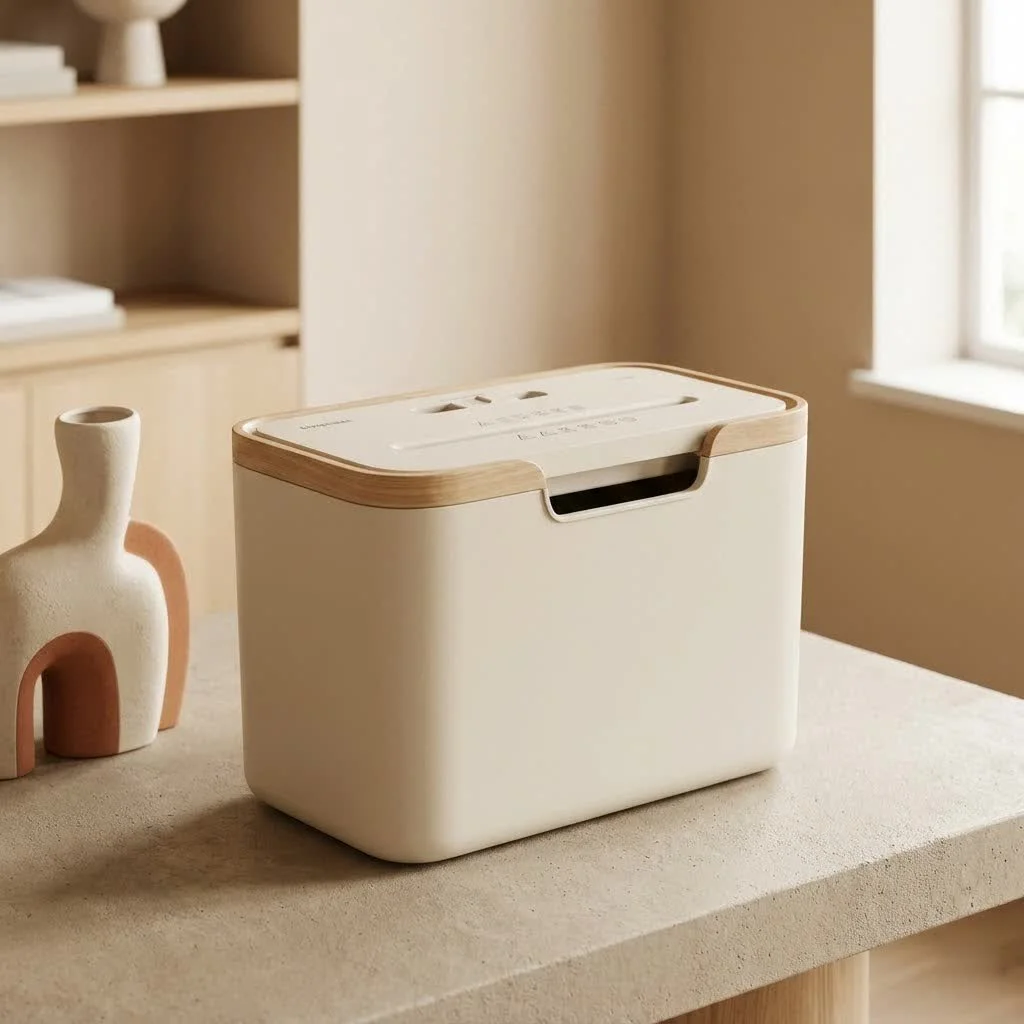
Let’s demystify the term “aperture” in the context of paper shredders. While you might occasionally hear of a specific product like the “Aperture Minimal Paper Shredder”—a conceptual design known for its sleek aesthetics and ergonomic viewing hole—the term “aperture” in a functional sense simply refers to the feed opening or throat size of the machine. This is the slot, usually at the top or front, where you insert documents for shredding. It’s the point of entry, and its dimensions are far more crucial than many users realize.
Think of it as the mouth of your shredder. Just like we need a sufficiently wide mouth to eat comfortably, your shredder needs an appropriately sized aperture to consume your documents without complaint.
Why the Aperture Size Matters More Than You Think
The size of your paper shredder’s aperture might seem like a minor detail, but it profoundly impacts your shredding workflow and machine longevity. An ill-suited aperture can quickly turn a simple task into a major headache.
Document Compatibility: Fitting Your Files Just Right
First and foremost, the feed opening size dictates what paper sizes your shredder can accommodate without needing pre-folding. Most standard office shredders are designed for A4 or Letter-sized documents, typically featuring an aperture around 8.75 to 9.5 inches wide. But what if you regularly handle legal documents (8.5 x 14 inches), or even larger A3 (11.7 x 16.5 inches) or ledger-sized sheets (11 x 17 inches)?
If your aperture isn’t wide enough, you’ll be stuck folding papers, often multiple times, which adds time, reduces shredding efficiency, and can even strain your machine. For specialized offices like those in graphic design, architecture, or legal fields, a wider aperture is an absolute necessity to avoid constant manual preparation.
Preventing Jams: The Enemy of Productivity
|
Our Picks for the Best Paper Shredder in 2026
As an Amazon Associate I earn from qualifying purchases.
|
||
| Num | Product | Action |
|---|---|---|
| 1 | Amazon Basics 8-Sheet Cross Cut Paper Shredder and Credit Card Shredder - Black |

|
| 2 | Amazon Basics Paper Shredder for Home and Office, 8-Sheet Strip Cut, CD/ Credit Card Shredder, 3.4 Gallon Wastebasket , Black |
|
| 3 | Amazon Basics Cross Cut Paper and Credit Card Shredder, 12 Sheet (New Model), Black |
|
| 4 | Amazon Basics 200-Sheet Auto Feed Cross Cut Paper Shredder with Pullout Basket, Black |
|
| 5 | Fellowes 14C10 14-Sheet Cross-Cut Home Office Paper Shredder |
|
| 6 | Amazon Basics 6 Sheet Cross Cut Paper and Credit Card Home Office Shredder with 3.8 Gallon Bin, Black |
|
| 7 | Amazon Basics 8-Sheet Strip Cut Paper, CD, and Credit Card Shredder with Auto-Off Compact, Portable Design, No Basket, Extendable Arm, Black |
|
| 8 | Suntiko Small Paper Shredder for Home, 6 Sheet Strip Cut Paper Shredder Without Basket,Portable Shredder Extendable Arm Design with Overheat Protection for Home Office |
|
| 9 | Amazon Basics Cross Cut Paper and Credit Card Shredder for Security - 8-Sheet, Heavy Duty, White |
|
| 10 | Woolsche 12-Sheet Cross Cut Paper Shredder with Large 5.55-Gallon Basket - P-4 Security, 3-Mode Shred for Cards/CDs/Staples/Clips - Jam Proof System for Office (ETL Certified) |
|
Perhaps the most common frustration with paper shredders is the dreaded paper jam. While overfeeding is a primary culprit, an aperture that’s too small for the documents you’re routinely feeding can exacerbate this issue. Forcing oversized or misaligned paper into a narrow opening puts undue stress on the cutting blades and motor, leading to frequent jams.
As Liam O’Connell, Mrouk’s Lead Shredder Engineer, often says, “A tight aperture combined with impatience is a recipe for a shredder meltdown.” Ensuring your paper fits comfortably and straight into the opening is your first line of defense against blockages.
Efficiency and Throughput: Keeping the Workflow Smooth
The feed opening also plays a significant role in your shredder’s overall efficiency and throughput. If you’re constantly struggling to align documents or folding them to fit, your shredding process slows down dramatically. For businesses that handle high volumes of sensitive documents, every second counts. A generously sized aperture, especially in heavy-duty or industrial shredders, allows for quicker, smoother feeding of multiple sheets, maximizing the volume of material processed per operational hour.
Material Versatility: Beyond Just Paper
While the primary function is paper, many modern shredders can handle other items like credit cards, CDs/DVDs, staples, and paperclips. While some machines have separate, dedicated slots for media, the main paper aperture’s design can also influence its ability to accept thicker items, though this is more about the cutter’s robustness than merely the opening width. Regardless, a well-designed aperture ensures that these items, when permissible, can enter the cutting mechanism cleanly.
Choosing the Right Aperture for Your Needs
Selecting the ideal aperture size is all about matching the shredder to your specific requirements.
- For Home Use: A standard aperture of around 8.75 to 9.5 inches (220-240mm) is usually sufficient. This comfortably handles standard Letter and A4 documents, junk mail, and envelopes without fuss.
- For Small to Medium Offices: Consider a wider aperture, typically 10 to 12 inches (250-300mm). This size is excellent for accommodating legal-sized paper, larger envelopes, and occasional A3 documents without folding. It’s a versatile choice that reduces preparation time for a wider range of office documents.
- For Commercial or Heavy-Duty Use: Industrial-grade shredders often feature apertures 12 inches or wider (300mm+). These are designed for continuous feed systems, oversized blueprints, computer printouts, or bulk shredding, where throughput and versatility are critical.
Aperture and Shredder Design: Vertical vs. Horizontal Feed
The physical orientation of the feed opening also contributes to its function and efficiency.
- Vertical Feed Shredders: These typically have a narrower throat opening, often ranging from 4 to 6 inches wide. Paper is fed from the top, moving downward. This design concentrates feeding force directly onto the cutting mechanism, making them quite effective at handling thick stacks of standard-sized documents.
- Horizontal Feed Shredders: With wider throats, often 8 to 12 inches, these shredders accept paper from the front, moving it horizontally. They are generally better for managing uniform scrap or materials that might be wider but less dense, though they can sometimes be more prone to alignment issues with non-standard paper.
Understanding this distinction can help you select a shredder that aligns with the types of documents and the method of feeding you’ll primarily use.
Beyond the Opening: Aperture’s Relationship to Security and Performance
While the aperture itself doesn’t determine the security level (that’s the job of the cutting mechanism, producing strip, cross, or micro-cut particles), it does work in concert with these features to define overall performance.
For instance, high-security micro-cut shredders, which create tiny, confetti-like particles, often have lower sheet capacities because shredding into such small pieces requires more motor power and generates more heat. This might mean that even with a wide aperture, you can only feed a limited number of sheets at a time to maintain optimal performance and prevent overheating.
Moreover, the aperture is integral to the distinction between manual and auto-feed shredders. Manual feed requires you to insert paper directly into the aperture, usually a few sheets at a time. Auto-feed shredders, however, feature a tray where you can load a large stack of documents, and the machine automatically draws them through the aperture. In this case, the design of the auto-feed tray and its integration with the aperture is key to its efficiency.
Maintaining Your Shredder’s Aperture for Longevity
Proper maintenance of your shredder’s aperture area is crucial for extending its lifespan and ensuring consistent performance.
- Don’t Overfeed: This is the golden rule. Respect your shredder’s sheet capacity. Forcing too many sheets through the aperture is the quickest way to dull blades and cause motor strain.
- Regular Oiling: Especially for cross-cut and micro-cut shredders, regular oiling of the cutting blades helps them glide smoothly, reducing friction and stress. This indirectly keeps the aperture area clear and functioning optimally.
- Keep it Clean: Dust and paper particles can accumulate around the aperture. Use a soft brush or compressed air to keep the area free of debris, which can interfere with sensors or paper feeding.
- Mind Foreign Objects: Staples and paperclips are often fine, but be vigilant about avoiding accidental insertion of non-shreddable items (like plastic cards not meant for the shredder, or metal objects) into the aperture, as these can severely damage the cutting mechanism.
Troubleshooting Common Aperture-Related Issues
Even with the best intentions, issues can arise.
- Paper Jams: If paper gets stuck in the aperture, immediately switch to reverse mode. If that doesn’t clear it, unplug the shredder and carefully remove the paper manually, using tongs or pliers if necessary. Never use your fingers!
- Sensors Not Detecting Paper: Many shredders have optical sensors within the aperture that detect paper insertion. If these get covered in dust or paper particles, the shredder might not start. Cleaning the sensors (often small slits inside the opening) can resolve this.
- Reduced Performance: If the shredder seems sluggish or struggles to pull paper, it could be a sign of dull blades (requiring oiling or professional sharpening) or an accumulation of paper dust within the cutting head, impacting the smooth operation around the aperture.
Frequently Asked Questions about Paper Shredder Apertures
Q1: What is the ideal aperture width for a home office shredder?
A1: For most home offices, an aperture width of 8.75 to 9.5 inches (220-240mm) is ideal. This comfortably accommodates standard Letter and A4 documents without requiring them to be folded, making shredding quick and convenient.
Q2: Can a wider aperture affect security?
A2: No, the aperture width itself does not directly affect the security level of your shredded documents. Security is determined by the cut type (strip-cut, cross-cut, or micro-cut) and the resulting particle size. However, a wider aperture allows you to feed documents more easily, indirectly impacting how quickly you can process sensitive information.
Q3: What happens if I force paper into an aperture that’s too small?
A3: Forcing paper into an undersized aperture can lead to frequent paper jams, put excessive strain on the shredder’s motor and cutting blades, and potentially cause premature wear or damage to the machine. It significantly reduces efficiency and can shorten the shredder’s lifespan.
Q4: Do auto-feed shredders have a different type of aperture?
A4: Auto-feed shredders typically have a traditional aperture for manual feeding, but they also feature an integrated tray or hopper where a stack of documents is loaded. The machine then automatically feeds sheets from this stack through the internal aperture, rather than requiring individual manual insertion.
Q5: How can I prevent paper dust from affecting the aperture?
A5: Regular maintenance is key. Routinely oiling your shredder’s cutting blades helps to lubricate them and can reduce paper dust buildup. Additionally, periodically cleaning the feed opening and any visible sensors with a soft brush or compressed air will keep the aperture clear and functional.
Conclusion
The paper shredder’s aperture, or feed opening, is a fundamental feature that plays a much larger role in your document destruction journey than often credited. From ensuring compatibility with various document sizes and preventing frustrating jams to enhancing efficiency and contributing to the overall longevity of your machine, its importance cannot be overstated. By consciously considering the aperture size when selecting a new paper shredder and practicing good feeding habits, you’ll unlock optimal performance, streamline your shredding tasks, and maintain the highest standards of data security. Make an informed choice, treat your machine with care, and your paper shredder’s aperture will serve you faithfully for years to come.
Get our weekly buyer guide
Practical specs, not advice. Unsubscribe anytime.