Stepping into a Home Depot store or browsing their extensive online catalog, you’ll find a wide array of paper shredders. As someone who’s spent over 15 years knee-deep in the world of document destruction, I know that choosing the right Home Depot paper shredder isn’t just about grabbing the first one you see; it’s about securing your sensitive information, ensuring efficiency, and finding a machine that truly fits your lifestyle. Whether you’re decluttering your home office or safeguarding crucial business documents, this guide will walk you through everything you need to know about selecting, using, and maintaining your perfect shredder from Home Depot.
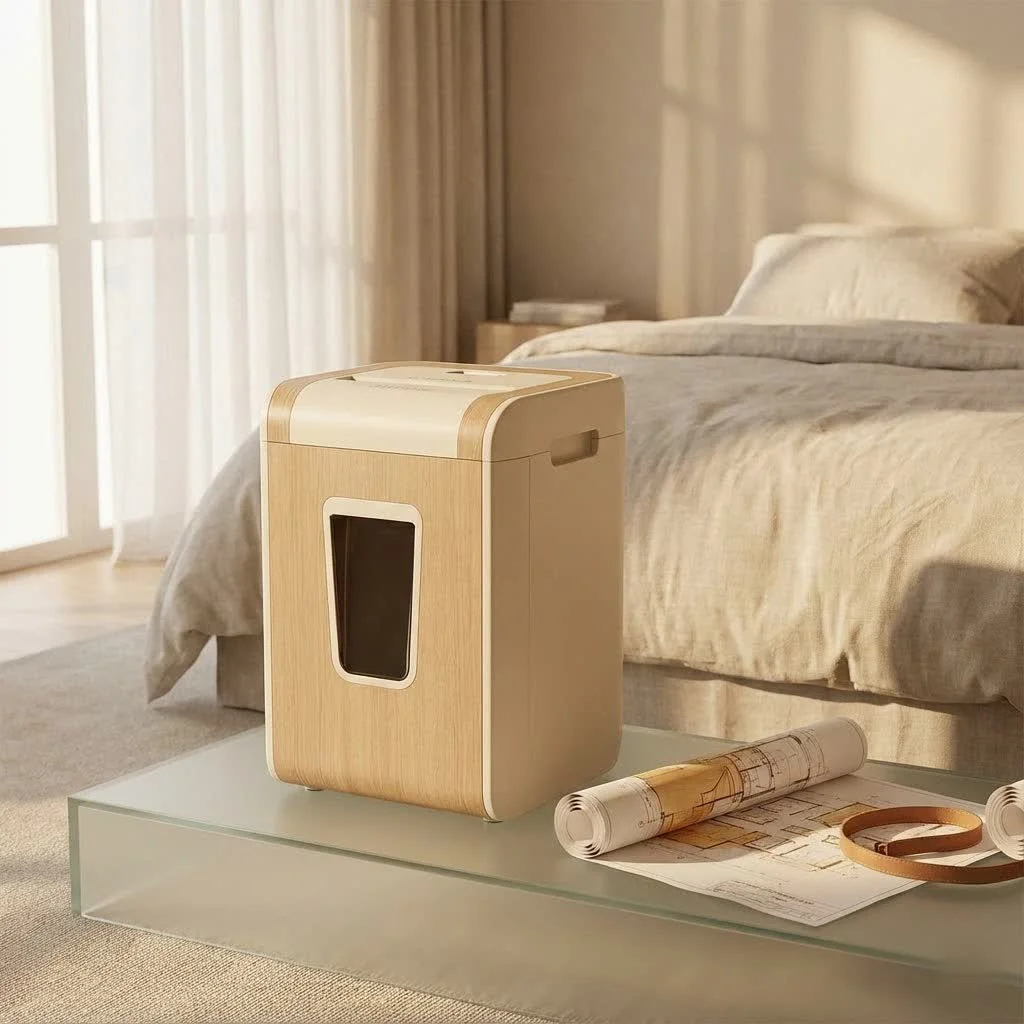
The digital age might be upon us, but paper documents still hold a surprising amount of personal and financial data that identity thieves would love to get their hands on. That’s why a reliable paper shredder is an essential tool in any modern home or office. Let’s dive into making an informed decision about your next Home Depot paper shredder.
Understanding Paper Shredder Types
Before you even think about sheet capacity or run time, you need to understand the fundamental ways paper shredders operate. The “cut type” directly correlates with the security level your shredder provides.
Strip-Cut Shredders
Strip-cut shredders are the most basic and, typically, the most affordable option you’ll find. They cut paper into long, narrow strips, much like spaghetti.
- Pros: Generally faster than other types and less prone to jamming.
- Cons: Offers the lowest security level (often DIN P-1 or P-2). The strips can, theoretically, be reassembled with enough effort, making them unsuitable for highly sensitive documents.
- Best For: Non-confidential materials like junk mail, old newsletters, or general household papers where security isn’t a top concern.
Cross-Cut Shredders
Often referred to as confetti-cut or diamond-cut shredders, cross-cut models employ two rotating drums to cut paper both horizontally and vertically, producing smaller, rectangular or diamond-shaped pieces. Many popular Home Depot paper shredder models feature this cut type.
- Pros: Offers a significantly higher level of security than strip-cut (typically DIN P-3 or P-4), making document reassembly much more difficult. They strike a good balance between security, speed, and affordability for most home and small office users.
- Cons: Can be slower than strip-cut and may require more frequent oiling to maintain performance.
- Best For: Bank statements, utility bills, old tax documents, and general confidential information for home or small office use.
Micro-Cut Shredders
If maximum security is your priority, then a micro-cut shredder is what you need. These machines break down paper into tiny, confetti-like particles, sometimes referred to as particle-cut.
- Pros: Provides the highest level of security (DIN P-5, P-6, or P-7), making shredded documents virtually impossible to reconstruct. Ideal for highly sensitive information.
- Cons: Usually the most expensive, can have lower sheet capacities, and often require more frequent emptying due to the fine shred size.
- Best For: Medical records, financial statements with account numbers, government documents, or any information where absolute confidentiality is paramount.
Key Features to Look for in a Home Depot Paper Shredder
When you’re browsing for a Home Depot paper shredder, you’ll notice a range of specifications. Understanding these features will help you match a shredder to your specific needs.
Sheet Capacity
|
Our Picks for the Best Paper Shredder in 2026
As an Amazon Associate I earn from qualifying purchases.
|
||
| Num | Product | Action |
|---|---|---|
| 1 | Amazon Basics 6 Sheet Cross Cut Paper and Credit Card Home Office Shredder with 3.8 Gallon Bin, Black |

|
| 2 | Woolsche 12-Sheet Cross Cut Paper Shredder with Large 5.55-Gallon Basket - P-4 Security, 3-Mode Shred for Cards/CDs/Staples/Clips - Jam Proof System for Office (ETL Certified) |
|
| 3 | Amazon Basics Cross Cut Paper and Credit Card Shredder for Security - 8-Sheet, Heavy Duty, White |
|
| 4 | Amazon Basics 8-Sheet Strip Cut Paper, CD, and Credit Card Shredder with Auto-Off Compact, Portable Design, No Basket, Extendable Arm, Black |
|
| 5 | Amazon Basics 8-Sheet Cross Cut Paper Shredder and Credit Card Shredder - Black |
|
| 6 | Amazon Basics 200-Sheet Auto Feed Cross Cut Paper Shredder with Pullout Basket, Black |
|
| 7 | Amazon Basics Paper Shredder for Home and Office, 8-Sheet Strip Cut, CD/ Credit Card Shredder, 3.4 Gallon Wastebasket , Black |
|
| 8 | Suntiko Small Paper Shredder for Home, 6 Sheet Strip Cut Paper Shredder Without Basket,Portable Shredder Extendable Arm Design with Overheat Protection for Home Office |
|
| 9 | Fellowes 14C10 14-Sheet Cross-Cut Home Office Paper Shredder |
|
| 10 | Amazon Basics Cross Cut Paper and Credit Card Shredder, 12 Sheet (New Model), Black |
|
This refers to the maximum number of sheets a shredder can handle in a single pass. For typical home use, a 6- to 12-sheet capacity is usually sufficient. However, if you deal with larger volumes, you might consider models with higher capacities, such as 15-20 sheets, or even auto-feed shredders that can handle stacks of 60-120 sheets at once, processing them automatically without supervision. Overloading your shredder is a surefire way to cause jams and reduce its lifespan.
- What sheet capacity should I look for in a home shredder? For most home users, a shredder with a 6 to 12-sheet capacity is perfectly adequate for occasional document disposal. If you plan on doing larger clean-out projects, consider a model with 15+ sheets or an auto-feed feature.
Run Time and Cool-down Period
Many home paper shredders aren’t designed for continuous operation. They have a “run time” (e.g., 3-5 minutes) before they need to “cool down” (e.g., 20-40 minutes) to prevent overheating. If you have large shredding jobs, look for models with longer run times (10+ minutes) or even “continuous duty” shredders, though these are typically more expensive and geared towards commercial use. Overheating is one of the most common complaints for residential shredders.
Waste Bin Size and Design
A larger waste bin means less frequent emptying, which is a huge convenience. Home shredders typically range from 3 to 8 gallons. Look for models with a pull-out bin, as these are much easier to empty compared to those where you have to lift the entire shredder head off the bin. Some models even have viewing windows or LED indicators to let you know when the bin is almost full.
Shredding Other Materials
Many modern Home Depot paper shredders can destroy more than just paper. Look for features that allow you to shred:
- Credit Cards: Essential for preventing identity theft from expired cards.
- CDs/DVDs: Useful for destroying old software, backup discs, or sensitive media.
- Staples and Paper Clips: A great convenience feature, saving you the hassle of removing them beforehand. Always check the product specifications, as not all shredders can handle these.
Safety Features
Especially in homes with children or pets, safety is paramount. Look for features like:
- SafeSense Technology (Fellowes): Automatically stops shredding when hands touch the paper entry.
- Overload Protection: Prevents jams by stopping or reversing if too much paper is inserted.
- Auto-Reverse: Helps clear minor jams automatically.
- Thermal Overload Protection: Shuts down the shredder if it gets too hot, preventing damage.
Noise Level
Some shredders can be quite noisy, which can be disruptive in a home office or shared living space. Many manufacturers now offer “quiet operation” or “silent shredding” models. Check reviews for user feedback on noise levels if this is a concern for you.
Selecting Your Ideal Home Depot Paper Shredder
Choosing the right Home Depot paper shredder boils down to understanding your specific needs.
- Assess Your Security Needs: Are you shredding junk mail (strip-cut is fine) or sensitive financial documents (cross-cut or micro-cut is a must)?
- Consider Your Shredding Volume: Do you shred a few pages once a week (low capacity, short run time) or large stacks regularly (higher capacity, longer run time, or auto-feed)?
- Think About Space and Portability: Do you need a compact model that tucks away easily, or a larger one with casters that can be moved around?
- Set Your Budget: Generally, more features, higher security, and longer run times will increase the price. Decide what features are non-negotiable for your budget.
Your Home Depot Paper Shredder Buying Checklist:
- [ ] Cut Type: Strip-cut, Cross-cut, or Micro-cut? (Prioritize security!)
- [ ] Sheet Capacity: Matches your typical shredding load?
- [ ] Run Time: Sufficient for your needs without constant cool-downs?
- [ ] Waste Bin: Adequate size, easy to empty (pull-out preferred)?
- [ ] Material Versatility: Shreds credit cards, CDs, staples if needed?
- [ ] Safety Features: Important for your environment?
- [ ] Noise Level: Suitable for your workspace?
Getting the Most Out of Your Home Depot Paper Shredder: Usage and Maintenance
Once you’ve brought home your new shredder, proper usage and consistent maintenance are key to ensuring its longevity and optimal performance. Neglecting these steps can lead to frustrating jams, overheating, and premature failure.
Proper Usage Tips
- Don’t Overload: Always stick to the manufacturer’s recommended sheet capacity. Trying to force too many sheets through is the quickest way to jam your machine.
- Feed Paper Correctly: Insert paper straight into the feed slot. Avoid folding papers unless explicitly stated your shredder can handle it.
- Respect Run Times: Pay attention to the continuous run time and allow your shredder to cool down as recommended. Pushing it too hard will trigger the thermal overload protection and shorten its life.
- Be Mindful of Non-Paper Items: Only shred items (like credit cards or CDs) if your specific Home Depot paper shredder is designed for them, and feed them individually. Avoid putting anything with adhesive (like stickers or labels) into the shredder, as glue can gum up the blades.
Essential Maintenance for Longevity
“Many people treat their paper shredders like a ‘set it and forget it’ appliance,” says Amelia Chen, Senior Paper Shredder Specialist at Mrouk.com. “But a little regular care goes a long way. Oiling the blades and keeping them clear of debris are the most impactful steps to extend your shredder’s life and prevent those annoying jams.”
-
Oiling the Blades: This is arguably the most crucial maintenance step. Lubrication reduces friction, prevents wear, and keeps the blades sharp.
- How to Oil: Apply a zigzag pattern of shredder oil (never use cooking oil or WD-40, which can gum up or damage the mechanism) onto a sheet of paper, then feed it through the shredder. Follow up by running the shredder in reverse for 10-15 seconds.
- How Often: If you’re a heavy user (daily shredding), oil every 2-3 days. For moderate use, weekly is good, and for light, occasional use, every two weeks or after every few bin empties is sufficient.
-
Cleaning the Waste Bin: Empty your waste bin regularly, even before it’s completely full. Accumulated paper dust can cause sensors to malfunction and contribute to overheating. After emptying, a quick wipe with a soft cloth can keep the bin clean.
-
Clearing Debris and Sensors: Small paper particles and dust can build up around the cutting mechanism and block sensors. Occasionally running the shredder in reverse helps dislodge these. For sensors, a quick blast of canned air (with the shredder unplugged, of course!) can clear them out.
-
How often should I oil my paper shredder from Home Depot? For light home use, oiling your paper shredder every two weeks or after every few times you empty the waste bin is generally recommended to keep the blades lubricated and prevent premature wear.
Troubleshooting Common Home Depot Paper Shredder Issues
Even with the best care, sometimes your shredder might act up. Here are quick fixes for common problems:
Paper Jams
The most frequent complaint!
-
Causes: Overloading, folded paper, foreign objects (staples/paper clips if not rated), or sticky labels.
-
What to do:
- Engage Reverse: Most shredders have a reverse function. Hold it down for a few seconds to try and back out the jammed paper.
- Unplug and Clear: If reverse doesn’t work, unplug the shredder immediately. Use tweezers or pliers to carefully pull out any visible paper from the feed slot. Never use your fingers!
- Oil the Blades: Sometimes a jam can be a sign that the blades are dry. Oil them (as described above) and try again after a short wait.
-
My Home Depot paper shredder is jammed, what should I do? First, try using the reverse function to clear the paper. If that doesn’t work, unplug the shredder, carefully remove any visible paper using tweezers, and then oil the blades before attempting to shred again with a smaller load.
Overheating
Your shredder stops working and an indicator light might come on.
- Causes: Exceeding the continuous run time, heavy shredding loads, or a full waste bin reducing airflow.
- What to do:
- Unplug and Cool Down: Turn off and unplug the shredder. Allow it to cool down for at least 20-40 minutes (check your manual for specifics). Do not try to use it until it has completely reset.
- Empty Bin/Clear Vents: Ensure the waste bin is empty and that the ventilation slots on the motor housing are not blocked.
Shredder Won’t Turn On
It’s plugged in, but nothing happens.
- Causes: Not plugged in properly, waste bin not seated correctly, or safety features engaged.
- What to do:
- Check Power: Ensure the shredder is fully plugged into a working outlet. Test the outlet with another device.
- Reseat Bin: Remove and firmly reinsert the waste bin. Many shredders have safety switches that prevent operation if the bin isn’t properly aligned.
- Cool Down: If you just used it heavily, it might be in a cool-down cycle.
FAQ
- Q: Are paper shredders from Home Depot reliable?
A: Yes, Home Depot carries several reputable brands like Royal, Yichuhaoxi, and sometimes Fellowes or Bonsaii. Like any appliance, reliability depends on choosing the right model for your needs and maintaining it properly. Always check user reviews for specific models. - Q: Can I shred credit cards in any Home Depot paper shredder?
A: No, not all paper shredders are designed to handle credit cards. Always check the product specifications. Look for models that explicitly state “shreds credit cards” and use the dedicated slot if one is provided. - Q: How do I know if my paper shredder needs oil?
A: Common signs your shredder needs oil include increased noise, slower shredding speed, struggling with the maximum sheet capacity, or minor paper jams occurring more frequently. Regular oiling helps prevent these issues. - Q: What does “micro-cut” mean for a paper shredder?
A: Micro-cut refers to a shredding style that cuts paper into very tiny, confetti-like particles (often less than 1/8 inch by 1/2 inch). This offers the highest level of security, making documents virtually impossible to reconstruct. - Q: Is it okay to use cooking oil to lubricate my shredder?
A: Absolutely not! Using cooking oil (like canola or olive oil), WD-40, or other non-shredder-specific lubricants can gum up the blades, attract dust, and ultimately damage your shredder. Always use purpose-made shredder oil or lubricant sheets.
Final Thoughts
Choosing the right Home Depot paper shredder doesn’t have to be a headache. By understanding the different types, knowing which features matter most, and committing to proper usage and maintenance, you’ll be well on your way to a more secure and clutter-free environment. Remember, your paper shredder is a vital tool in protecting your privacy and preventing identity theft. Treat it well, and it will serve you faithfully for years to come. For more in-depth advice on keeping your shredder in tip-top shape, make sure to visit Mrouk.com for all your paper shredder needs!
Get our weekly buyer guide
Practical specs, not advice. Unsubscribe anytime.